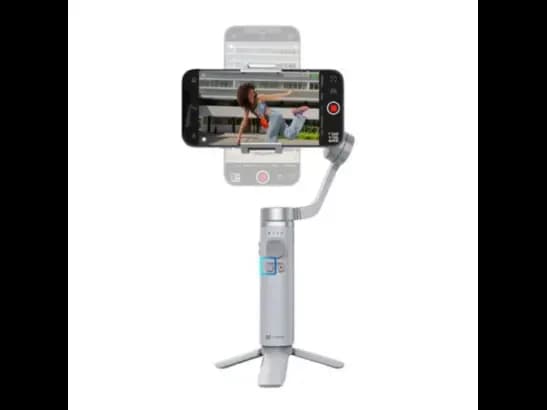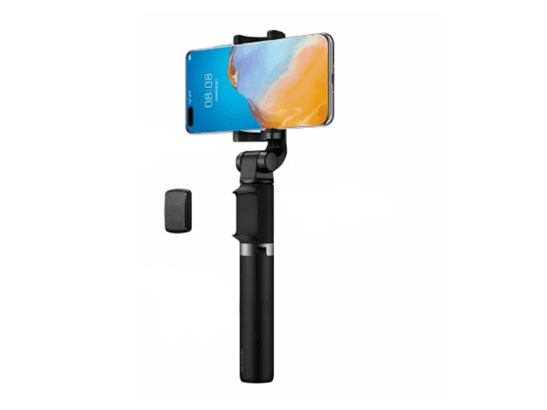
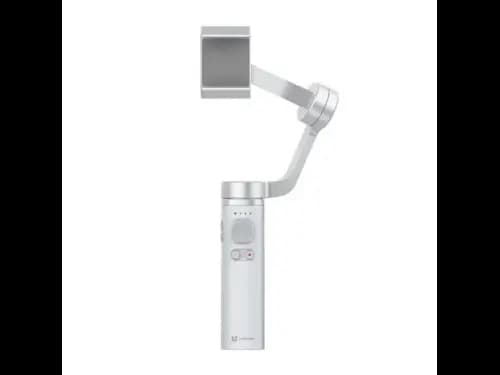
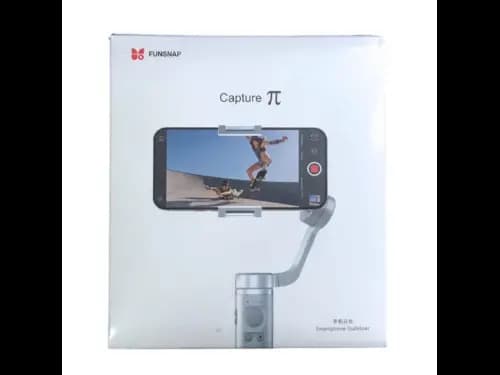


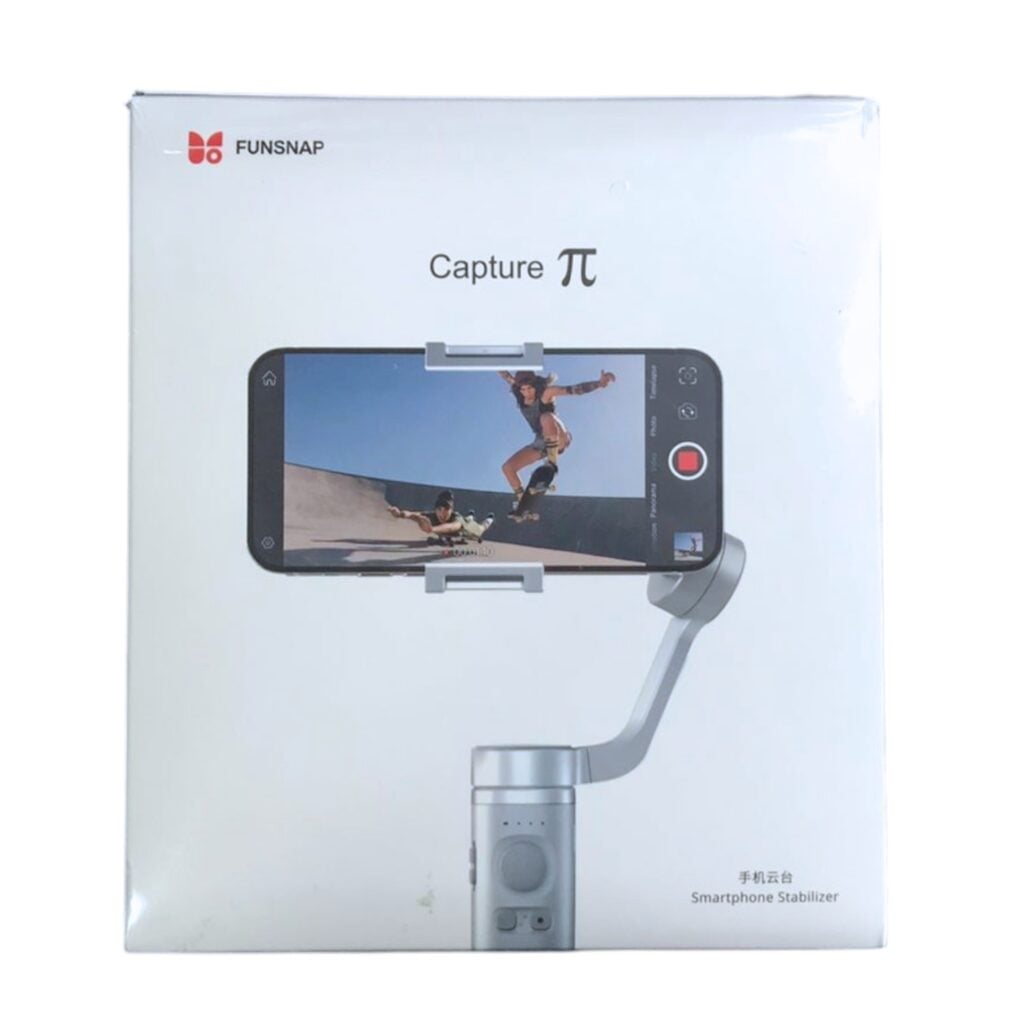
Capture TT Handheld Stabilizer
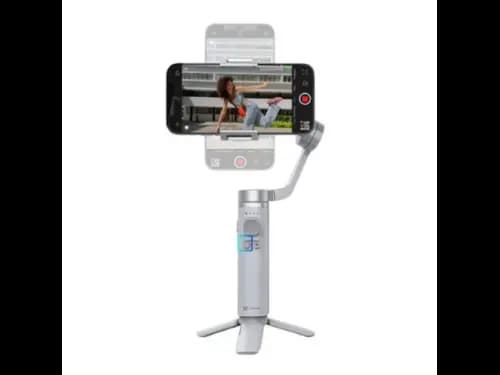
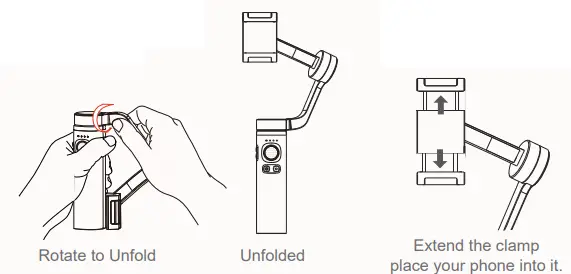
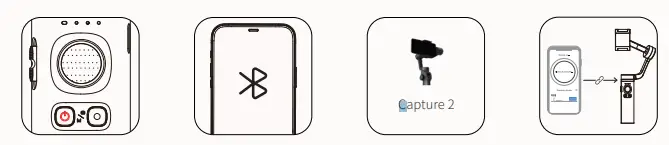
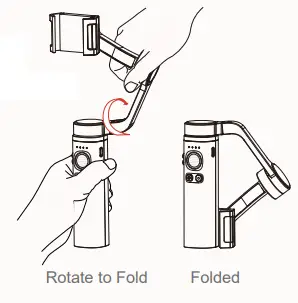
- Rotate the gimbal arm by 180 degrees in the direction indicated.
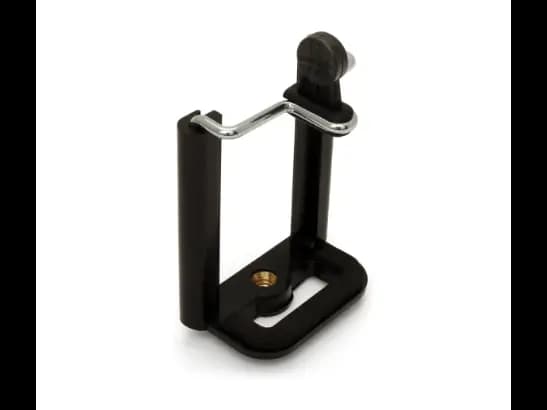
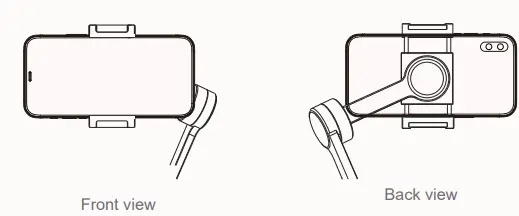
- The position of clamp is around 5mm off to the center of the phone to be in balance. Make sure the lens of the phone camera is at the left side of the clamp
- Long press the power button for 3 seconds to boot up
- Rotate the gimbal arm by 180 degrees in the direction indicated until a click is heard. Adjust the phone clamp as necessary.
характеристики продукта
- Rotate the gimbal arm 180 degrees until a click is heard; adjust the phone clamp for balance
- Ensure the phone camera lens is on the left side of the clamp.
- Long press the power button for 3 seconds to boot up.
- Checking Warranty
5.0/5.0
0 отзыв покупателя
5 Star
0%
4 Star
0%
3 Star
0%
2 Star
0%
1 Star
0%
Все отзывы
К сожалению, здесь нет отзывов!

iCan Gadget Store
Welcome to iCan Gadgets Store, where your mobile experience takes center stage.
iCan Gadget Store
Welcome to iCan Gadgets Store, where your mobile experience takes center stage.
- Rotate the gimbal arm by 180 degrees in the direction indicated.
- The position of clamp is around 5mm off to the center of the phone to be in balance. Make sure the lens of the phone camera is at the left side of the clamp
- Long press the power button for 3 seconds to boot up
- Rotate the gimbal arm by 180 degrees in the direction indicated until a click is heard. Adjust the phone clamp as necessary.
характеристики продукта
- Rotate the gimbal arm 180 degrees until a click is heard; adjust the phone clamp for balance
- Ensure the phone camera lens is on the left side of the clamp.
- Long press the power button for 3 seconds to boot up.
- Checking Warranty