
Product Details
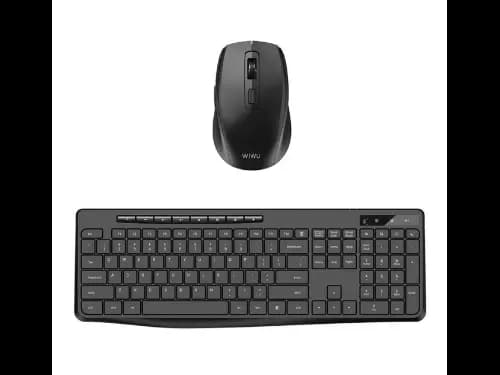
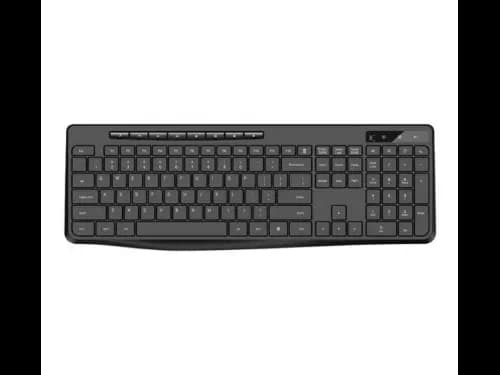
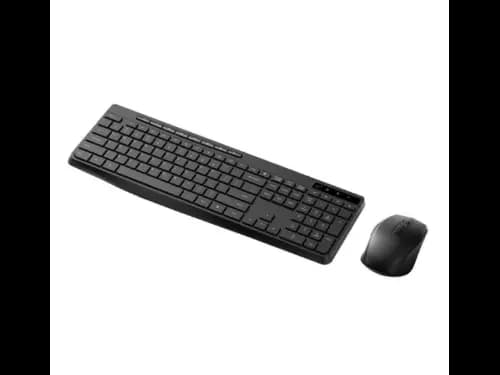
Wiwu KM-01 Wireless Office Keyboard And Mouse Combo Set - Quiet and Efficient Operation , Ergonomic Design and Adjustable DPI , Wireless Freedom and Multiple Connection Options with 6 Month Warranty
Wiwu KM-01 Wireless Office Keyboard And Mouse Combo Set - Quiet and Efficient Operation , Ergonomic Design and Adjustable DPI , Wireless Freedom and Multiple Connection Options with 6 Month Warranty (2)
Wiwu KM-01 Wireless Office Keyboard And Mouse Combo Set - Quiet and Efficient Operation , Ergonomic Design and Adjustable DPI , Wireless Freedom and Multiple Connection Options with 6 Month Warranty (3)
Wiwu KM-01 Wireless Office Keyboard And Mouse Combo Set - Quiet and Efficient Operation , Ergonomic Design and Adjustable DPI , Wireless Freedom and Multiple Connection Options with 6 Month Warranty (4)
Wiwu KM-01 Wireless Office Keyboard And Mouse Combo Set - Quiet and Efficient Operation , Ergonomic Design and Adjustable DPI , Wireless Freedom and Multiple Connection Options with 6 Month Warranty (5)
1/5

Wiwu KM-01 Wireless Office Keyboard And Mouse Combo Set - Quiet and Efficient Operation , Ergonomic Design and Adjustable DPI , Wireless Freedom and Multiple Connection Options with 6 Month Warranty

In stock (5)22 Sold

Rs 7,799Rs 8,799

Delivery Date2026-10-04
Warranty6 Month(s)
Ship FromColombo
Payment Options
CODRs 7,799
PAY_BY_ACCOUNTRs 7,799
Wiwu

Wiwu

WiWU is committed to designing simple, durable and detail focus digital products!

Visit store


  • Connection Distance: ≥10 meters
  • Mouse DPI: 800-1200-1600 (Three-Level Adjustable)
  • Keyboard Input Voltage: 1.5V / 6mA
  • Mouse Input Voltage: 1.5V / 10mA
  • Standard: GB / T 14081-2010

What’s in the box?

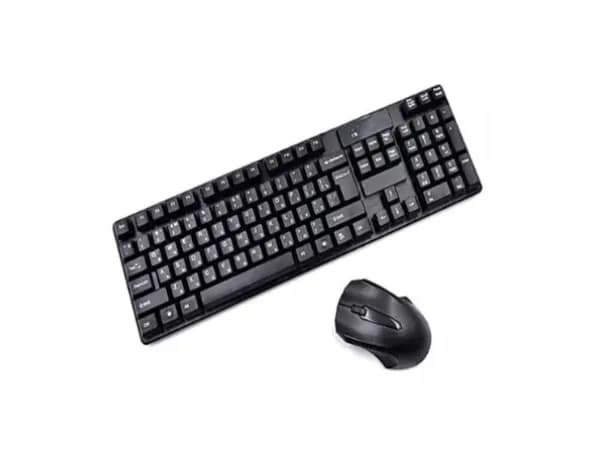
  • Keyboard
  • Mouse
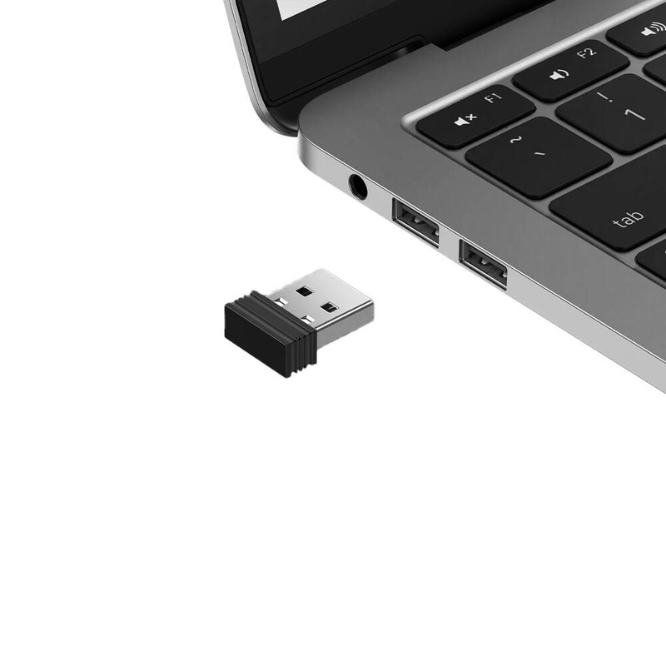
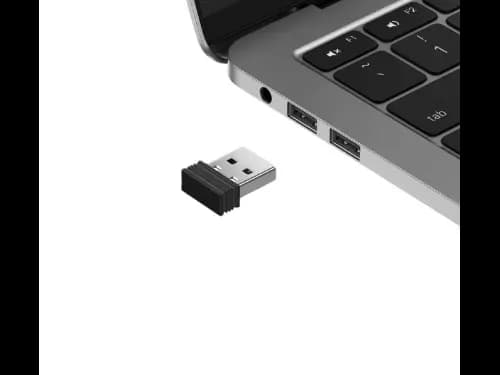
  • Receiver
  • User Manual


Product Specifications

  • Connection Distance: ≥10 meters
  • Mouse DPI: 800-1200-1600 (Three-Level Adjustable)
  • Keyboard Input Voltage: 1.5V / 6mA
  • Mouse Input Voltage: 1.5V / 10mA
  • Standard: GB / T 14081-2010
  • What’s in the box?
  • Keyboard
  • Mouse
  • Receiver
  • User Manual